Turn a Book Chapter PDF Into a Test Paper (Free, No Typing)
Writing a test paper from a textbook chapter usually means reading the chapter, picking out testable facts by hand, and typing each question and its answer key separately. For a single chapter, that's often 30–45 minutes before you've even formatted the paper.
The Book / Chapter → Test Paper tool skips the manual extraction step: upload the chapter PDF, and it reads the text on your device, picks out the important sentences, and turns them into a mixed test paper you can edit and print.
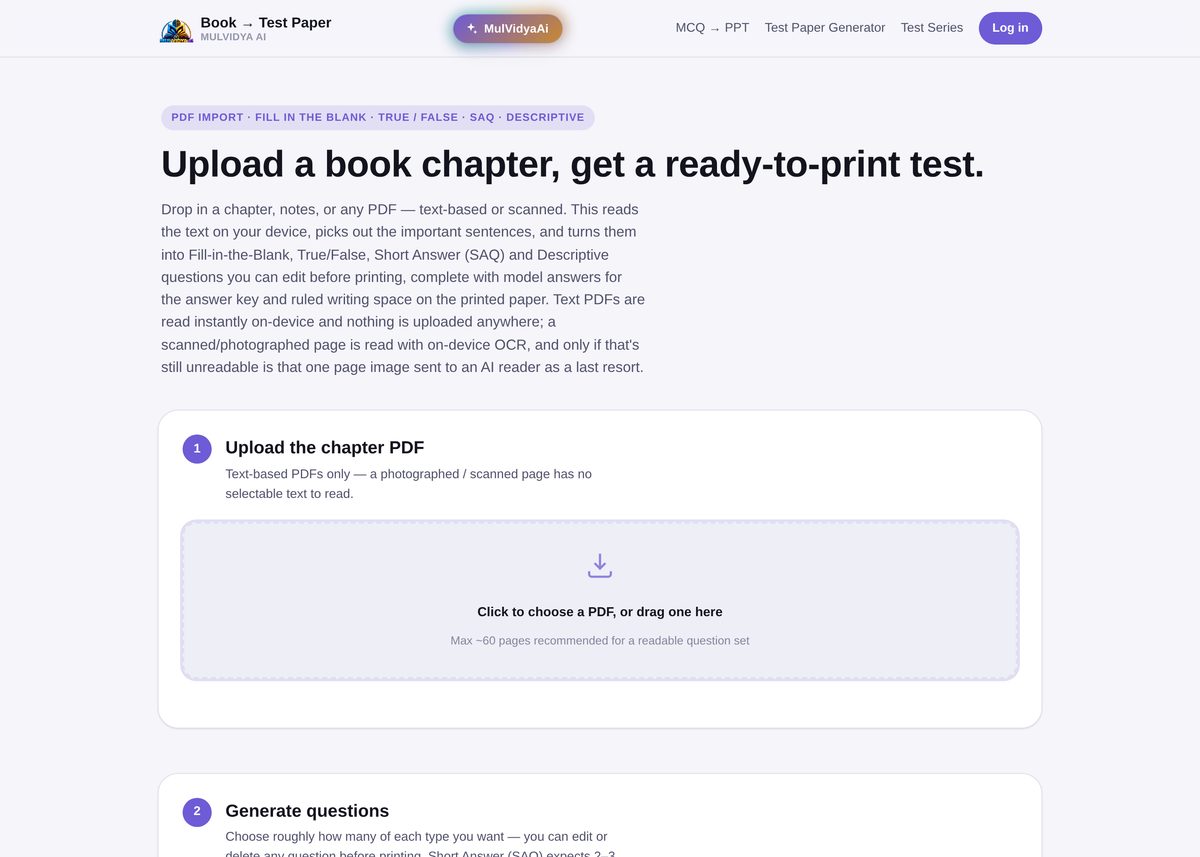
Step 1: Upload the chapter PDF
Drop in a chapter, a set of notes, or any PDF — text-based or scanned. Text PDFs are read instantly on-device; a scanned or photographed page is read with on-device OCR, and only if that's still unreadable is that one page image sent to an AI reader as a last resort. Nothing you upload leaves your device unless that fallback is actually needed.
Around 60 pages is the recommended ceiling for a single upload — beyond that the question set gets harder to keep tightly scoped to what you actually taught.
Step 2: Choose how many of each question type
Once the chapter is read, set roughly how many Fill-in-the-Blank, True/False, Short Answer (SAQ), and Descriptive questions you want. Short Answer questions expect 2–3 sentences worth 2 marks; Descriptive questions expect a full paragraph worth 5 marks — and every question comes with an editable model answer, so the answer key writes itself alongside the paper.
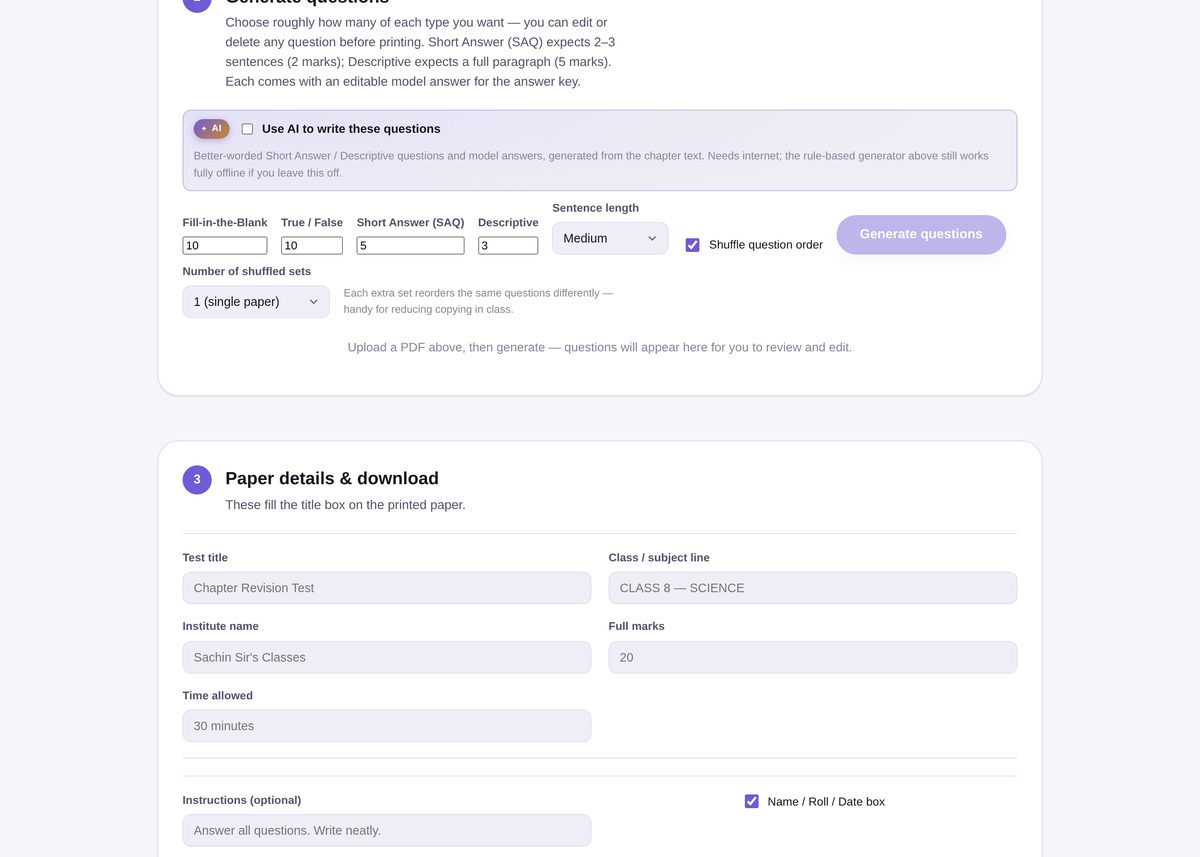
There's also an optional "Use AI to write these questions" toggle for better-worded Short Answer and Descriptive questions generated straight from the chapter text. It needs an internet connection — leave it off and the rule-based generator above still works fully offline.
Step 3: Review, then fill in the paper details
Every generated question shows up in an editable list, so you can fix a misread line, delete a question that doesn't fit, or reorder before you commit to a layout. Then fill in the paper header — test title, class/subject line, institute name, full marks, time allowed, and any instructions — plus an optional Name/Roll/Date box for students to fill in by hand.
Want more than one version so students sitting next to each other don't have matching papers? Pick a number of shuffled sets and the same question bank gets reordered into each one.
Common mistakes to avoid
- Uploading a photographed page and expecting instant results. OCR still works, but a clean text-based PDF (exported from Word, or a proper e-book) reads faster and more accurately than a phone photo.
- Skipping the review step. A quick scan before printing catches the rare line the parser split awkwardly.
- Uploading a whole textbook instead of one chapter. Keeping the upload to a single chapter or a tight set of notes keeps the question set focused on what you actually want to test.
Other ways to build a test paper
Already have your questions typed out instead of buried in a PDF? Use the MCQ to PPT / PDF Generator to turn a plain-text question list into slides or a printable paper. See also MCQ to PDF Question Paper for a purely MCQ-based printable paper with an answer key.
Frequently Asked Questions
Does it work with scanned or photographed pages?
Text-based PDFs are read instantly on-device. A scanned or photographed page has no selectable text, so it's read with on-device OCR instead, and only as a last resort is a single unreadable page sent to an AI reader.
Is my PDF uploaded to a server?
Text extraction and OCR both happen on your device. Nothing is uploaded unless a page is unreadable any other way, in which case only that one page image is sent for AI reading.
What question types can it generate?
Fill-in-the-Blank, True/False, Short Answer (SAQ), and Descriptive — you choose roughly how many of each, and every question comes with an editable model answer for the key.
Can I edit the questions before printing?
Yes. Every generated question is editable, and you can delete anything that got misread before you download the paper.
How long a chapter can I upload?
Up to about 60 pages is recommended for a readable, well-scoped question set.